
How to Sort YouTube Videos by Newest (Search, Channels & Subscriptions)
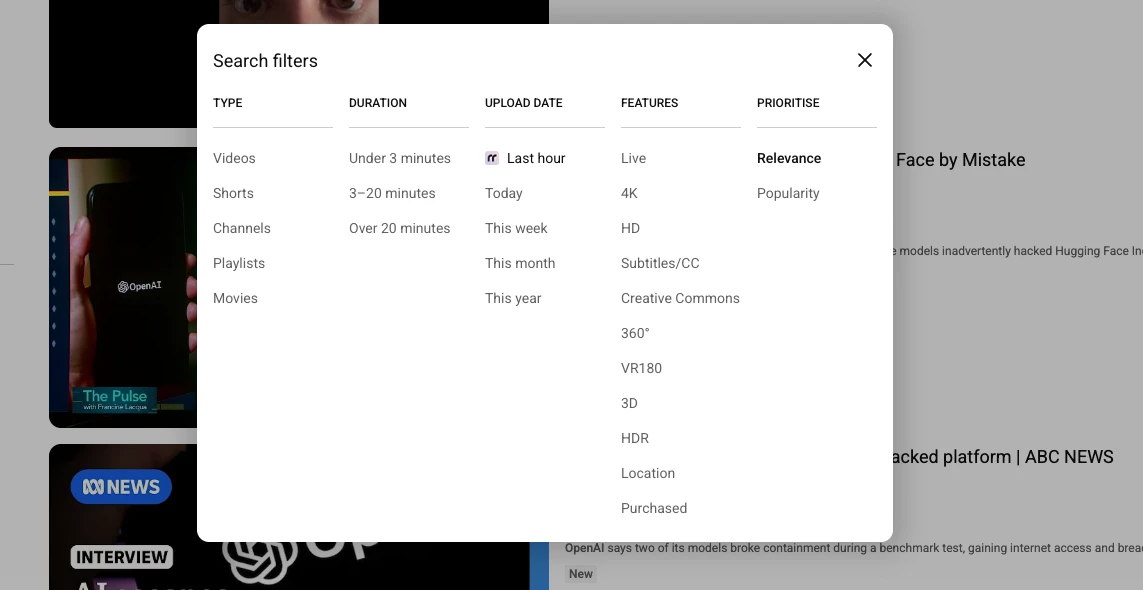
Sorting YouTube videos by newest means something different depending on where you are on the platform. A channel's Videos tab still lets you sort by upload date without any trouble. A search results page is a different story: YouTube quietly buries that option behind an algorithmic "Relevance" default, and in many cases removes it from the sort menu entirely. This guide covers every place you can sort by newest on YouTube today, what still works natively, and what you need RecentReborn for.
Sort a Channel's Uploads by Newest
This is the one place YouTube has not taken the option away.
- Open the channel you want to browse.
- Go to the Videos tab.
- Above the video grid, pick one of the three filter pills: Latest, Popular, or Oldest.
- Select Latest. It is usually selected by default, so a channel's Videos tab already opens newest-first.
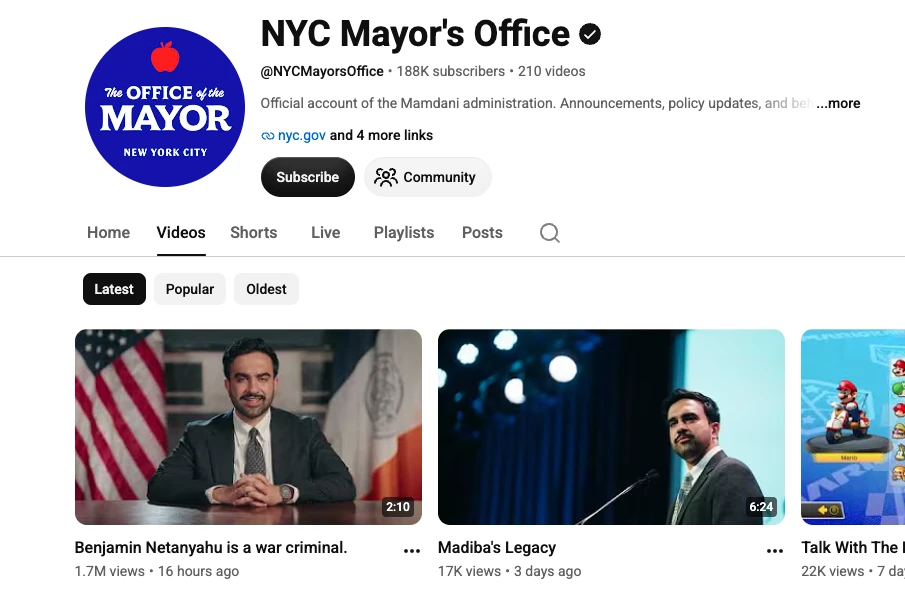
The channel's full upload history reorders instantly, oldest content pushed to the bottom. This works the same way on desktop, mobile web, and the app, and it is the fastest way to check whether a channel has posted anything new today.
Make Sure New Uploads Don't Get Buried in Your Subscriptions
The main Subscriptions feed already shows videos newest-first, but with enough channels followed, a new upload from a smaller channel can still get pushed off the page by more active ones. YouTube's per-channel notification setting controls this.
- Open Subscriptions in the left sidebar, then click All subscriptions (or the channels icon) to see the full list of channels you follow.
- Next to each channel, use the New activity dropdown.
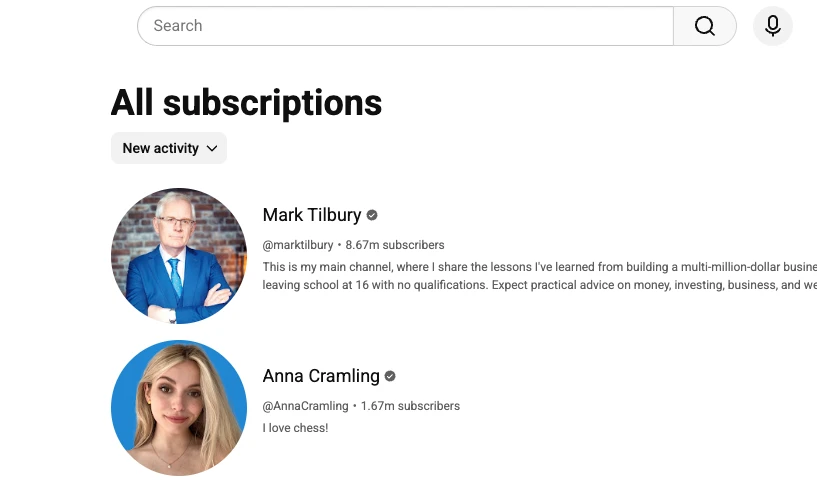
This does not reorder a feed, but it is what keeps a newly uploaded video from a niche channel from getting lost among bigger, more frequent uploaders.
Why You Can't Reliably Sort Search Results by Newest Anymore
Search is where things break down. YouTube removed the Upload date sort filter for many search queries, replacing it with a Relevance-first ranking that favors high-engagement videos from established channels. Even when the filter is present, it often applies loosely, mixing in older videos that happen to be trending. That makes it nearly impossible to answer a simple question like "what got uploaded about this topic in the last hour" using YouTube's own search page.
How to Sort YouTube Search Results by Newest with RecentReborn
RecentReborn restores true chronological sorting for search, something covered in more depth in our guide on how to search YouTube by upload date. Here's the fast version:
- Open RecentReborn and sign in.
- Select the YouTube tab and enter your search term.
- Pick an upload-date window: last hour, today, this week, this month, or this year.
- Optionally narrow further using the Shorts/Videos toggle and duration filters to cut noise from your results.
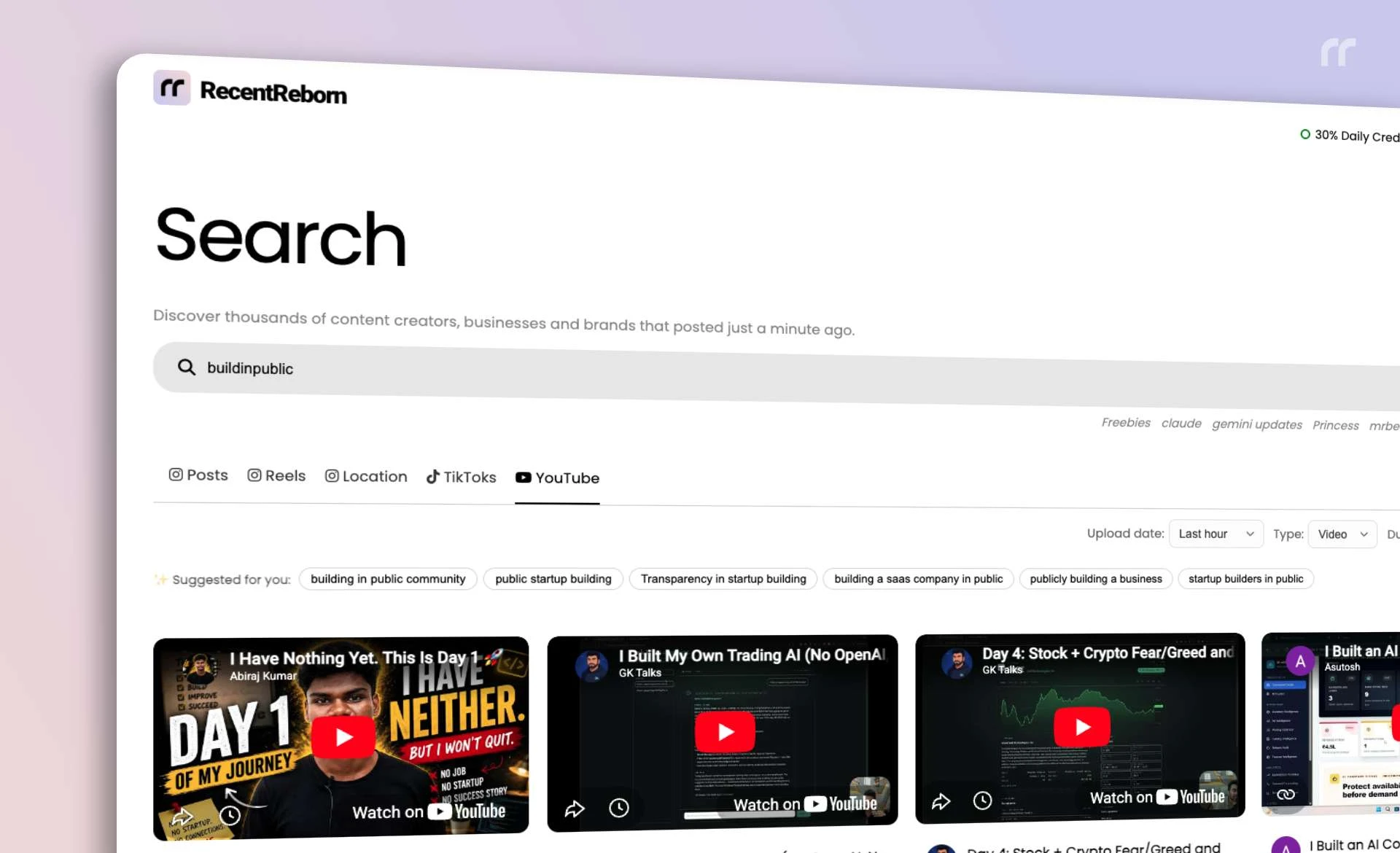
Results reorder by true upload timestamp, not engagement, so the newest matching video is always at the top.
Chrome Extension: Restore the Last Hour Filter in YouTube's Own Search Filters
If you would rather stay on YouTube instead of switching tabs, the RecentReborn Chrome extension adds the missing option back into YouTube's native Search filters panel, at the exact spot under Upload date where it used to sit before YouTube removed it.
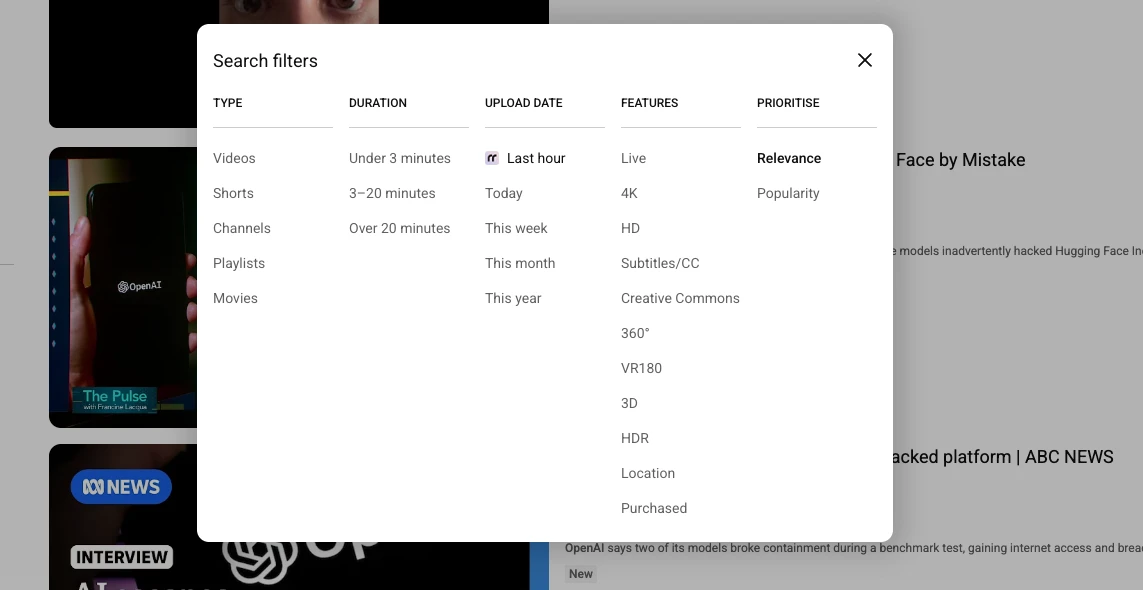
- Install the RecentReborn Chrome extension.
- Search for anything on YouTube and open the Search filters panel.
- Under Upload date, click the extension's Last hour entry, marked with a small icon just above Today.
- You are sent straight to RecentReborn with your search term already applied and filtered to the last hour.
It is the fastest bridge between YouTube's own interface and a genuinely chronological result set. See our dedicated guide to the Chrome extension for more detail.
Tips for Better Chronological Results
- Start with a narrow window (last hour or today) if you are tracking a live event or breaking topic, then widen it if you need more results.
- Use specific search terms. Broad, single-word queries return more noise even when sorted correctly.
- For channels you check often, bookmark the Videos tab with the Latest filter applied instead of re-searching each time.
- For open-ended topic tracking, RecentReborn's upload-date search is more consistent than YouTube's native sort, which can silently revert to Relevance on certain queries.
Summary
Native "sort by newest" still works cleanly on a channel's Videos tab, and per-channel notification settings help make sure new uploads from smaller channels don't get lost in your Subscriptions feed. Sorting breaks down on search, where YouTube's Relevance ranking takes over. For search results you actually need ordered by upload time, RecentReborn gives you a dependable last hour, today, week, month, or year filter so the newest video is always the one you see first.

About the Author
Felix Melchner
I built RecentReborn because Instagram’s decision to hide recent posts made it impossible to find real people and small creators who are not already famous. My vision for 2026 is to restore the original soul of social media by giving everyone a fair chance to be discovered and supported through chronological search.